Scoping
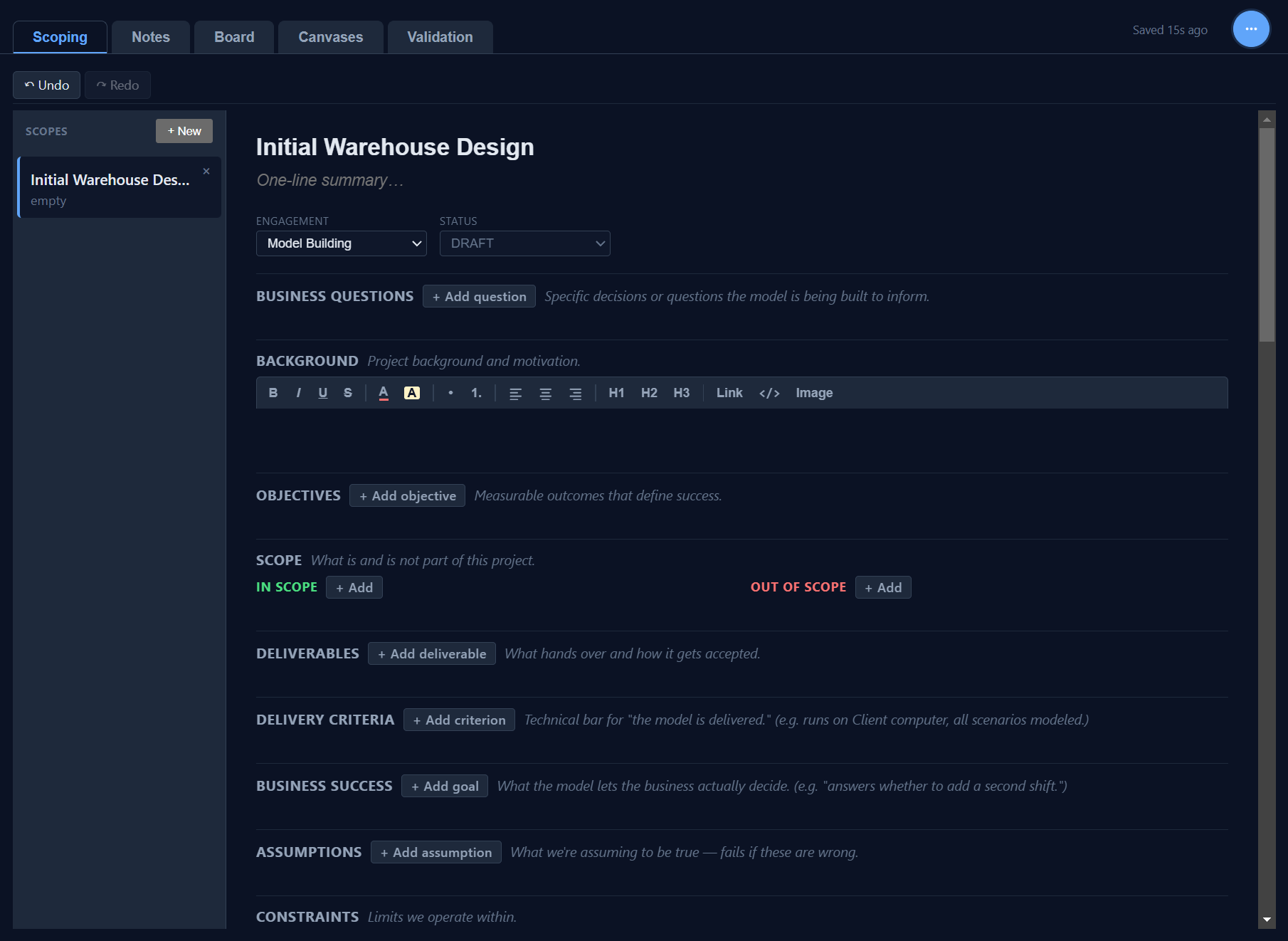
Lock down the project before any code. Business questions, objectives, in-scope and out-of-scope, deliverables, success criteria, assumptions, constraints. Every model gets a structured project brief that travels with it.

A complete project workspace inside FlexSim. Scope the project, take notes, work a board, sketch on canvases, validate every run. All inside the model file.
PracSim Notebook puts a full simulation-project workspace directly inside FlexSim. Five tabs cover the lifecycle of a project, from scoping through validation. Everything lives inside the model file, so the project context travels with the .fsm. Notebook is free and open source.
Lock down the project before any code. Business questions, objectives, in-scope and out-of-scope, deliverables, success criteria, assumptions, constraints. Every model gets a structured project brief that travels with it.
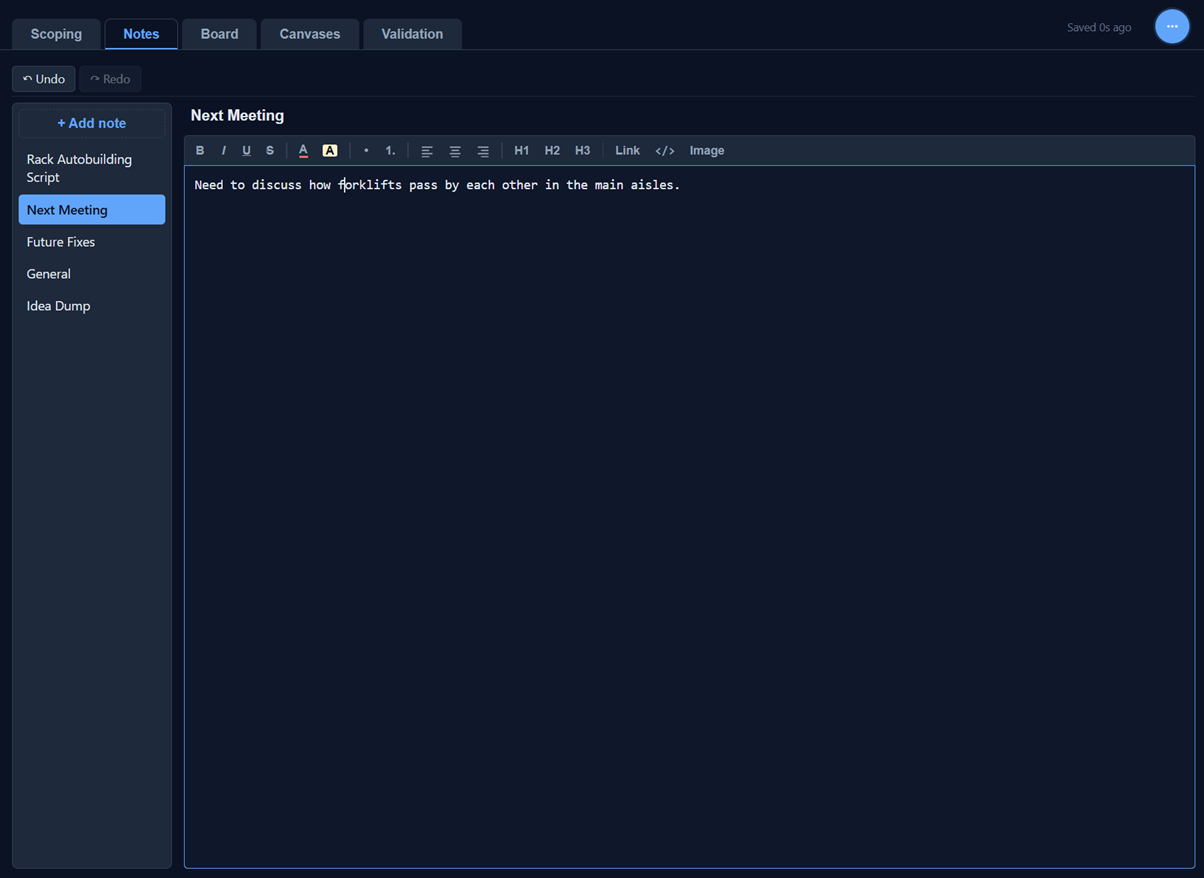
Named rich-text notes for everything that does not fit a structured field. Meeting notes, idea dumps, design rationales, the decisions you would forget by next week. All saved inside the model file.
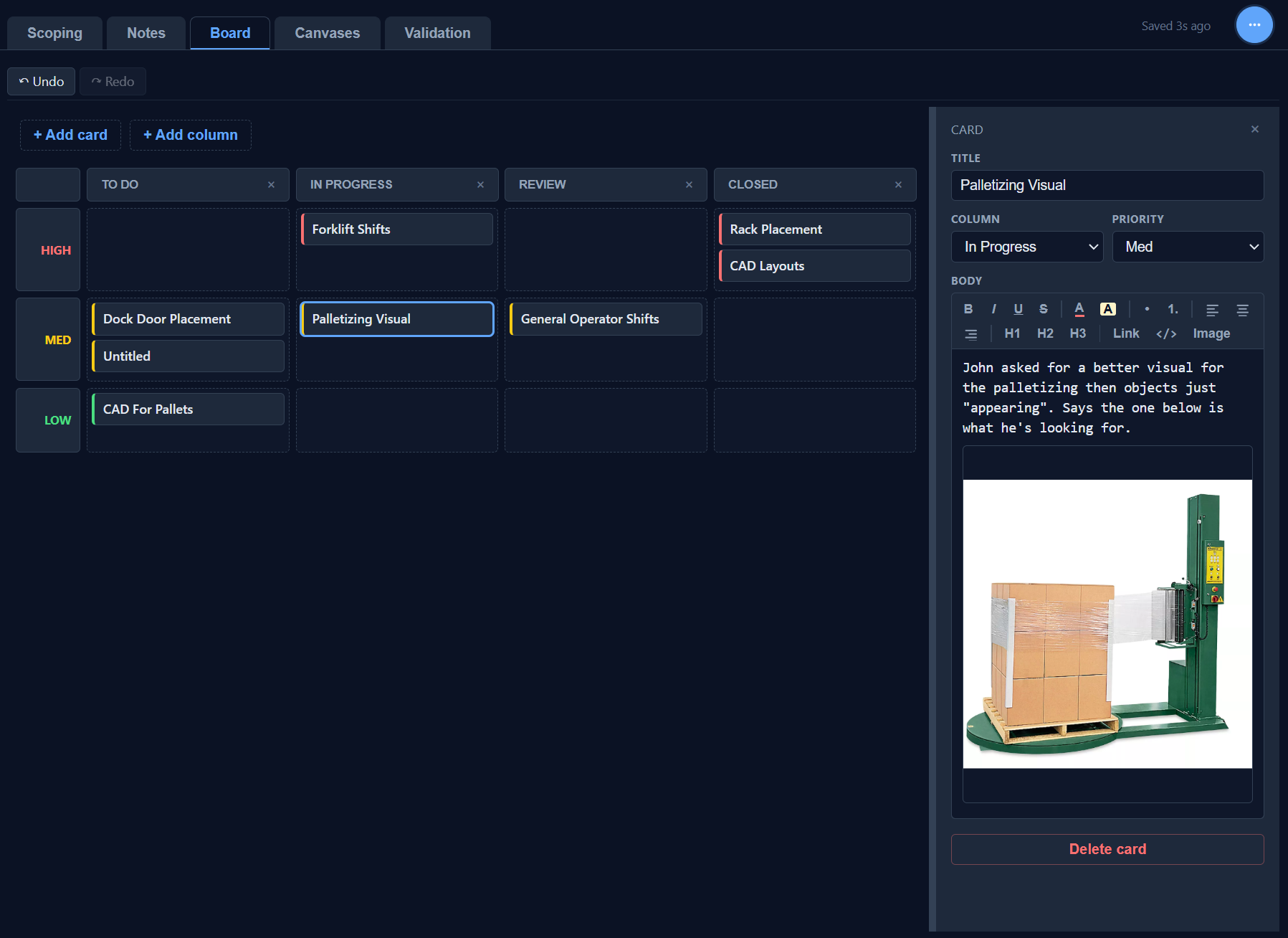
Kanban for the actual work. Priority rows crossed with status columns, cards that carry descriptions, screenshots, and the context for each task. Replaces a sticky-note wall or external Trello board with something that ships in the model.
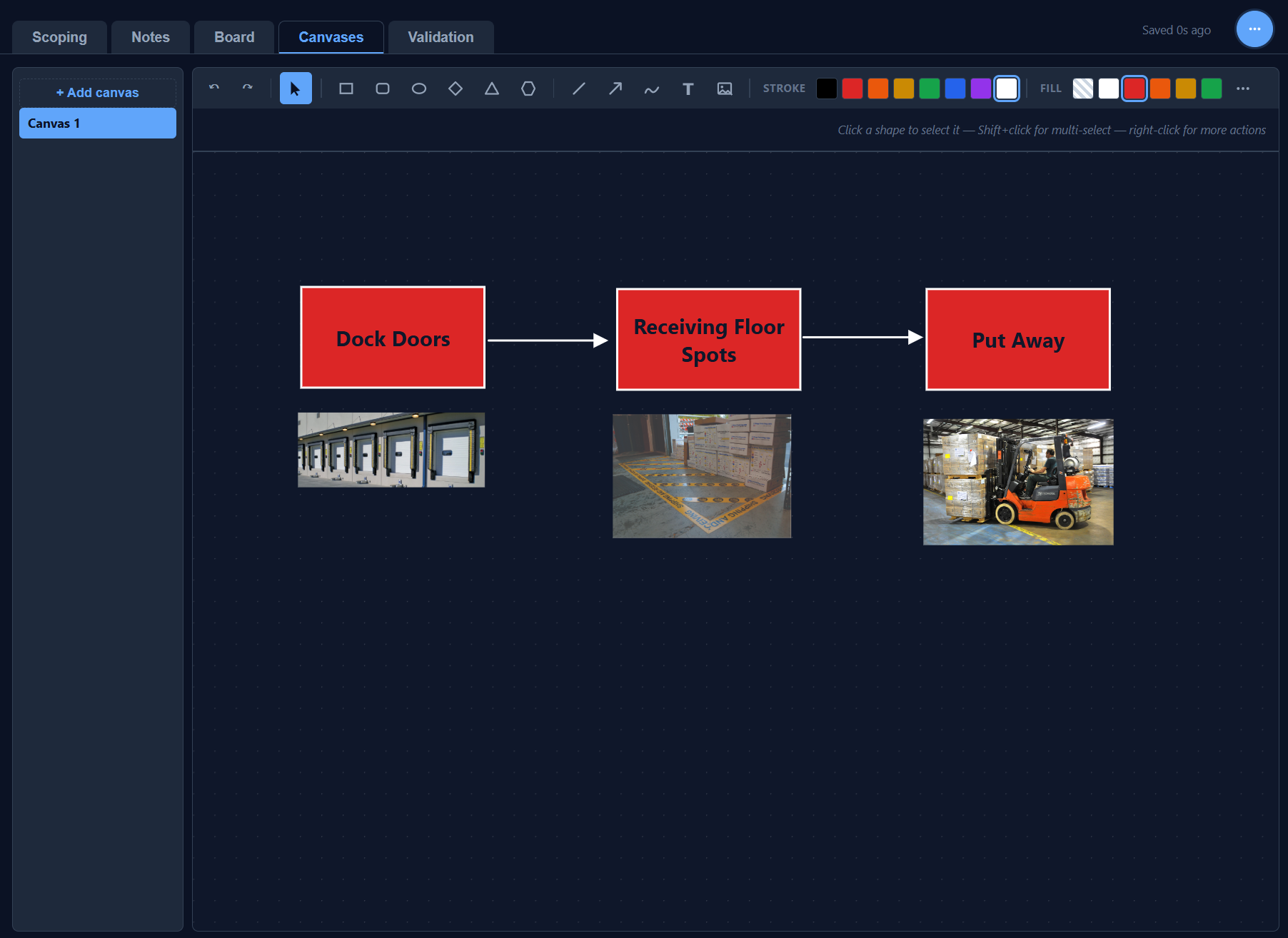
A free-form drawing space for process flows, sequence diagrams, and physical layouts. Drop in photos, labels, and arrows to make visual sense of the system. Great for the whiteboard work that usually never makes it back into the model.
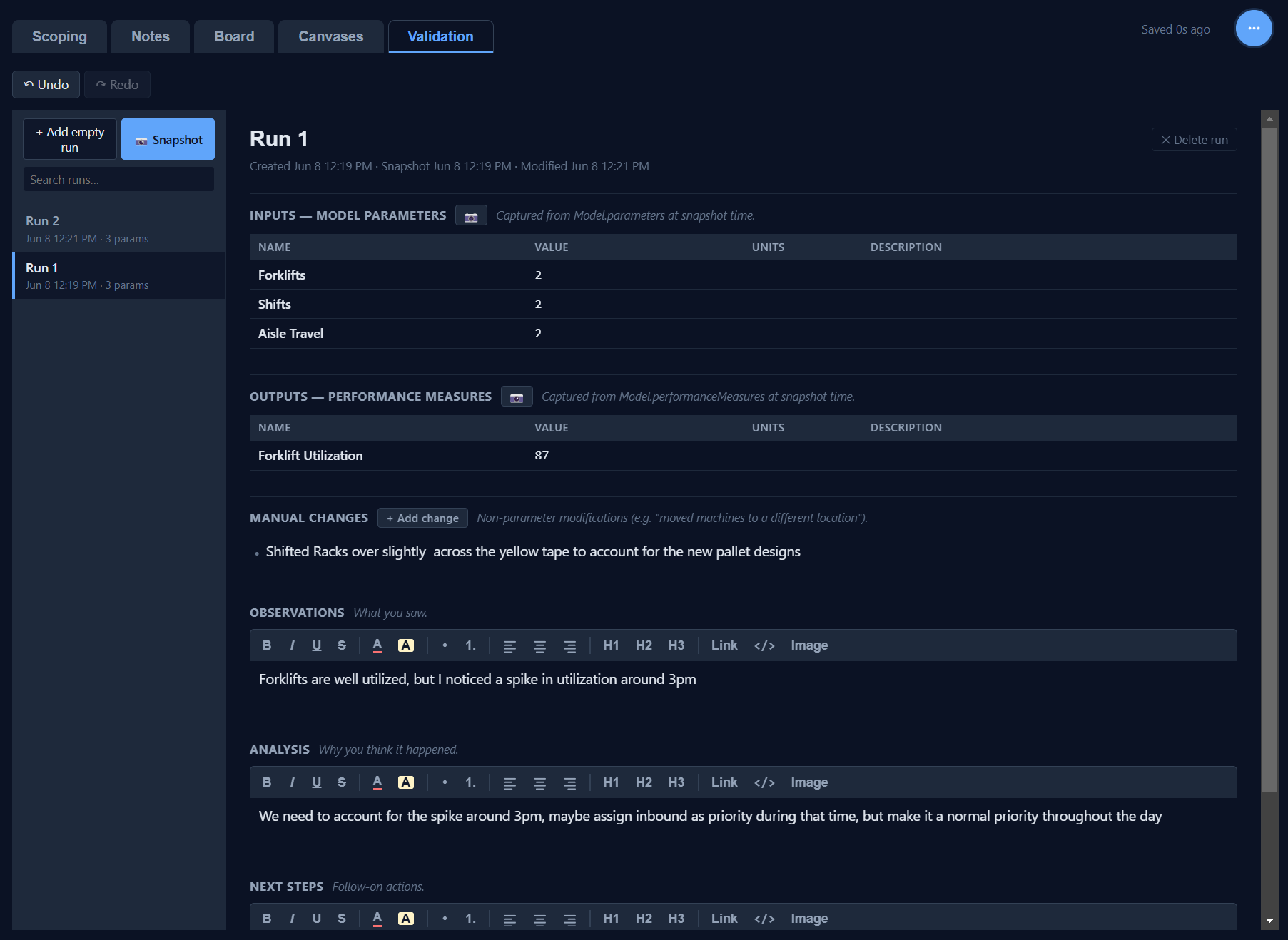
Track every simulation run. Inputs and outputs captured automatically from the model, manual changes documented in writing, plus observations, analysis, and next steps for each result. Snapshot the model state so runs can be compared months later.