
RouteGraph
Draw your travel network once. Build every path automatically. RouteGraph turns a simple sketch of corridors and junctions into fully built AGV, A*, and Network Navigator paths in FlexSim.
One layout. Every navigator.
The same network, built for each FlexSim navigator. Define the corridors and junctions once, then pick a navigator and watch RouteGraph generate the paths.
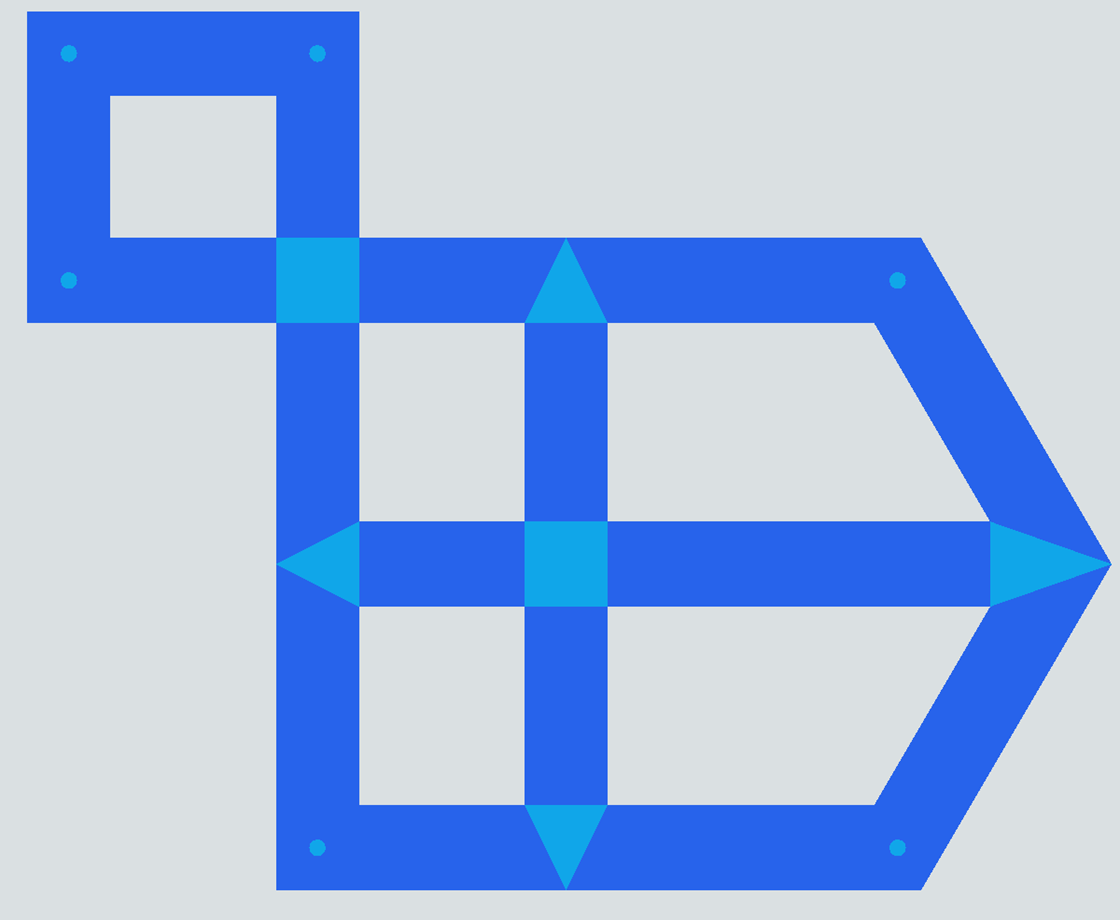
Stop hand-placing path networks.
Building an AGV network, an A* grid, or a Network Navigator graph by hand means dropping and connecting hundreds of paths, then doing it all again every time the layout changes. RouteGraph replaces that with one editable graph. Place corridors and junctions, choose a navigator per corridor, and press Build. Every path, control point, and node is generated for you, and rebuilt in seconds when you move things.
Set the standard once. RouteGraph applies it everywhere.
Pick a navigator per corridor type and mix them freely in one network. You set the standards on the type, and RouteGraph stamps them onto every lane and node it generates, across as many parallel lanes as a corridor needs.
AGV
Define your AGV standard once on the corridor type, including path class, accumulation, orientation, and one-way or two-way travel, and RouteGraph builds matching paths along every lane. Turn on control points and it places them at your spacing automatically.
A*
Set whether the corridor builds preferred or mandatory A* paths, with the routing weights and conditional rules you want, then RouteGraph generates them along every corridor of that type at the curve resolution you choose.
Network Navigator
RouteGraph places and connects the Network Navigator nodes for you, the tedious part, then stamps your edge standards onto every connection: passing or non-passing, speed limits, virtual distances, and node spacing.
One System, many networks. A single RouteGraph System can hold any number of independent graphs. They share corridor types but never have to connect, so one model can drive separate floors, separate buildings, or a network per AGV fleet, all built from the same Build button.
Three steps. No scripting required.
Place corridors and junctions
Drag a corridor in, or click-chain a whole loop. Subdivide, merge, and split junctions to reshape the graph fast.
Pick a navigator per type
Set the navigator, lane count, and width on each corridor type. Assign corridors to types and mix types in one graph.
Press Build
Every path appears instantly. Move a junction, press Build again, and RouteGraph wipes and regenerates from scratch.
Everything the build loop needs.
Autobuild from your data with the RouteGraph API.
Every RouteGraph network is fully scriptable. The RouteGraph System API builds and queries networks from FlexScript, so you can generate an entire layout from a spreadsheet or upstream data, then build the paths in one call. When the source data changes, clear and rebuild without touching the model by hand.
// Build a network from your layout data, then generate every path
RouteGraph.Junction startJunction = RouteGraph.System.createJunction();
RouteGraph.Junction endJunction   = RouteGraph.System.createJunction();

// Junctions inherit from Object, so place them in the model
startJunction.setProperty("Location", Vec3(0, 0, 0));
endJunction.setProperty("Location", Vec3(20, 0, 0));

// Connect the two junctions with a corridor
RouteGraph.System.createCorridor(startJunction, endJunction);

// ...repeat for the rest of your layout, then build...
RouteGraph.System.buildSystem(); // AGV + A* + Network pathscreateJunction()andcreateCorridor()to lay down the graphbuildSystem()to generate AGV, A*, and Network pathsclearSystem()to wipe generated paths and rebuild from new datagetClosestCP()andgetClosestNetworkNode()for runtime logic- Read the
corridors,junctions, andcorridorTypesarrays directly
Questions
Which FlexSim navigators does RouteGraph support?
AGV, A*, and Network Navigator. Choose one per corridor type and mix them freely in the same network.
Can I run more than one network in a model?
Yes. A single RouteGraph System holds any number of independent graphs that share corridor types but do not have to connect. One model can drive separate floors, buildings, or AGV fleets at once.
Are the generated objects standard FlexSim?
Yes. RouteGraph builds normal AGV paths, A* paths, and Network Navigator nodes and edges. Your models, process logic, and dashboards work exactly the same.
Is RouteGraph scriptable?
Yes. The RouteGraph System API lets you build and query networks from FlexScript, including generating an entire graph from data and calling buildSystem to produce the paths.
Can I try before I buy?
Yes. The demo version is the full module with one limit: you can place only a small number of corridors. Every other feature, including building and the API, works so you can evaluate it on a real layout before buying.